
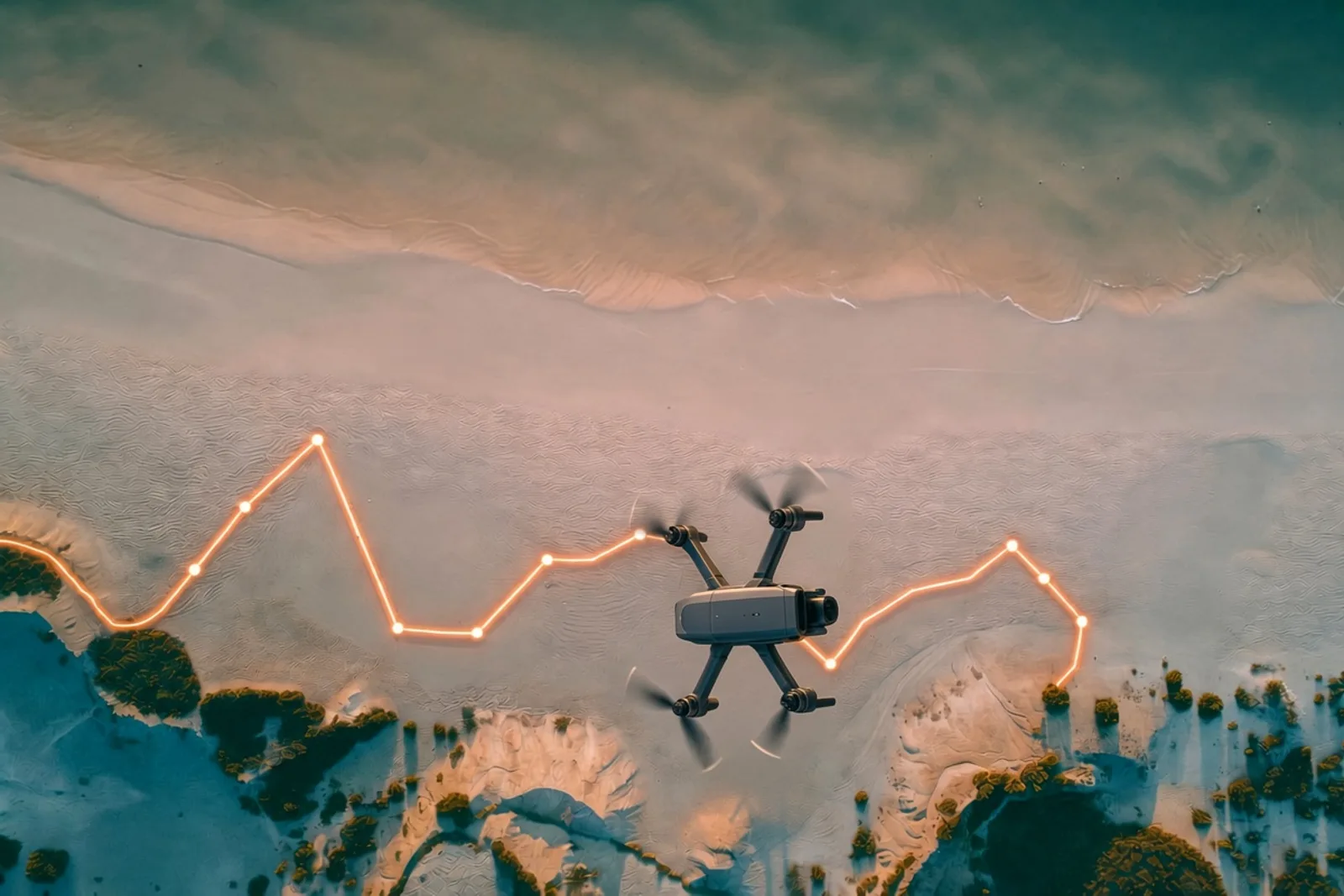
Every time you fly a DJI drone, it quietly writes a diary. Where it went, how high, how fast, the battery level, what the gimbal was doing, even thumbnails of the photos you took. It all goes into a single .txt file sitting on your phone or controller.
The catch is that you can't open it. Despite the extension, it isn't text. It's a packed binary format, and on any recent drone it's scrambled or encrypted too.
I've been flying since 2018, mostly for photo work, and I'd always wanted to do something with those logs besides upload them to a website and hope for the best. So I built djilog, a small Go tool that reads them.
What it does
You point djilog at a flight log and it tells you what happened:
djilog info flight.txtThat gives you the basics: which aircraft, how far it went, how long it was up, max altitude. From there you can export the whole flight path to a file that mapping tools understand:
djilog export flight.txt --kml -o track.kmlOpen that KML in Google Earth and you can watch your flight drawn over the terrain. It also exports CSV for spreadsheets and GeoJSON for web maps. It can also pull out the photos embedded in the log. DJI strips their timestamp, location and camera info, and djilog writes all three back.
It's also a library, so other Go programs can read DJI logs without shelling out to anything.
Why build it at all
A few reasons, honestly.
First, I didn't want my flight data to depend on someone else's website. Logs are just files. I wanted something that reads them offline and gives me my data in formats I can use.
Second, I'd been building CLI tools in Go, and I like what Go gives you: one small binary, nothing to install alongside it, and it runs anywhere. djilog uses only Go's standard library, with zero outside dependencies.
Third, I wanted to understand how the format actually works. There's something satisfying about taking an unreadable file and turning it into a line on a map.
Standing on someone else's work
I didn't reverse-engineer DJI's format from scratch, and I want to be upfront about that. Luc Vauvillier already did the hard detective work in dji-log-parser, an excellent Rust library. djilog is a Go port of it, and his project is still the authoritative reference for how these files are laid out.
A port sounds like a copy-and-translate job. It isn't. You have to understand why every line exists before you can rewrite it in another language, and that's where most of the learning happened.
How the format works (the short version)
DJI's log format has gone through fourteen versions. Roughly:
- Versions 1 to 6 are plain binary. Tedious, but readable once you know the layout.
- Versions 7 to 12 scramble each record with a simple XOR cipher.
- Versions 13 and 14 add real AES-256 encryption on top.
For the newest logs, the key isn't in the file at all. You have to ask DJI's servers for it with a free developer API key. djilog does that once per log and saves the result next to the file, and from then on everything works offline.
One detail I like from the older XOR versions: the scrambling key comes from a checksum algorithm called CRC-64. Go has CRC-64 built in, but not the version DJI uses. There are several flavors of CRC-64, and DJI's is one called "Jones." Same name, same size, different math. Get it wrong and every record comes out as noise, so djilog includes its own implementation.
Making sure it's actually right
Parsing binary files is easy to get mostly right, which is the dangerous part. A wrong number doesn't crash anything. It just quietly tells you your drone flew a thousand times shorter than it did. As it turns out, that's exactly what was happening.
So I built a few kinds of checks into djilog:
- Against the original. The test suite can run the same logs through djilog and the Rust tool and compare the output field by field.
- Against the file itself. DJI writes a record count into each log's header. If djilog walks the whole file and finds a different number of records, something's wrong. It's the strongest check in the project.
- Against garbage. Logs get truncated when a battery dies or an app crashes. djilog salvages whatever it can read from a damaged file, and it's fuzz-tested against randomly mangled input to make sure bad data never crashes it.
Running djilog against a real flight log turned up something I didn't expect: two values in the original were scaled wrong. Total distance is stored in kilometers, not meters, so a 269 m flight was showing up as 0.269 m. Takeoff altitude is stored in decimeters, so a 95 m launch point read as 952 m. The log itself proved it: the drone hit 11 m/s, so it couldn't have covered 27 centimeters in 108 seconds. djilog reads both correctly, and there's a test that fails if either bug ever comes back.
What it doesn't do (yet)
djilog doesn't read the .SRT caption files DJI saves alongside video, and it doesn't run in the browser. Go can compile to WebAssembly, but the result is about 1.4 MB compressed, roughly ten times the size of the Rust version's. On top of that, browsers block the request to DJI's key servers. Maybe later.
Try it
If you fly DJI and have Go installed:
go install github.com/idrewlong/djilog/cmd/djilog@latestThen grab a flight log. On iPhone, they're in the Files app under DJI Fly → FlightRecord. On Android, or DJI's RC controllers with built-in screens, look in Android/data/dji.go.v5/files/FlightRecord/. Run djilog info on one and see what your drone has been writing down.
The code is on GitHub. If you have an old or unusual log that breaks it, I'd genuinely love to see it.